
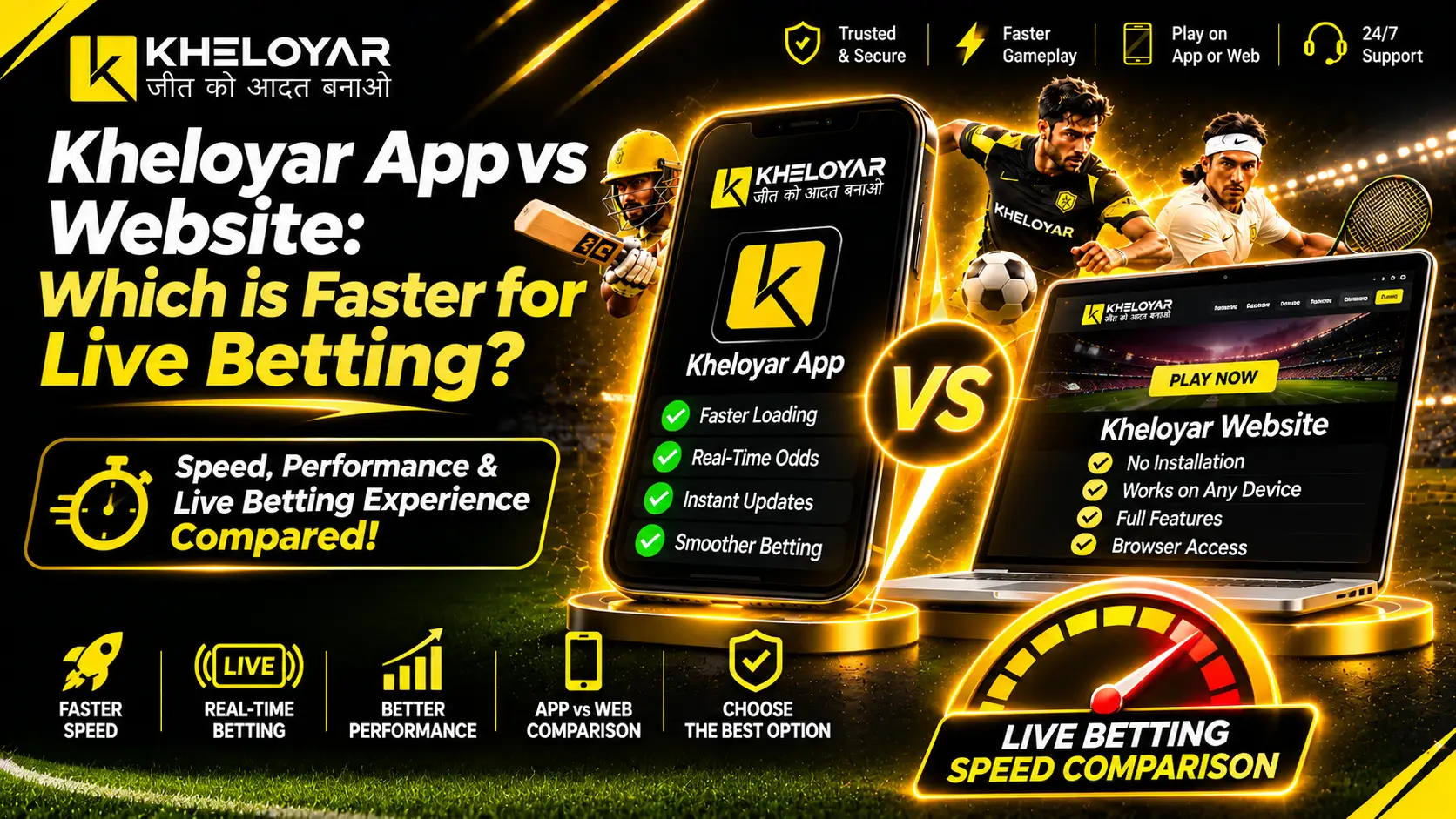
Live betting moves fast. A slow page can make you miss a chance. Many users ask which one opens quicker on a phone, the app or the browser. This guide looks at kheloyar app vs website and shows what each option does well and what can slow it down. Your phone, net link and the site servers all play a part. A test on your own phone is the best way to choose. Check that online betting is allowed in your area, follow the age rules, and play only with money you can afford to lose.
Kheloyar App vs Website: Basic Difference
An app is a program that you install on your phone. A mobile website opens in a browser like Chrome or Safari. Both can show live matches. The main change is how you reach them.
In the app vs website talk, many people think the app must be faster. That is not always so. An app may save some files on the phone, so a second visit can feel smooth. A website needs no install, but it may load its page files again each time.
Kheloyar App vs Mobile Website: What Changes
So in the case of doubt, app vs mobile website, which is the better option, well… the app needs an install and phone space. The mobile site needs neither, and its page updates by itself. The app can send alerts if you allow them.
What Makes Live Betting Feel Slow?
- Slow signal: The Wi-Fi or data connections are slow which hinders the process of updating the pages.
- Overload of pages: The problem of overload of pages could happen if there are too many applications running in the background or there isn’t sufficient space on the device.
- Outdated software: There are chances that the software of your browser or application may be outdated and not working properly.
- Server delay: The delay caused by the platform to send data is known as server delay.
- Market suspension: Market suspension during a match.
Page opening speed and market update speed are not the same thing. A page may open fast while one market is paused. A quick tap also does not mean the bet is accepted. This matters in any app vs website check.
App Performance
An app is handy if you play often. The icon sits on the home screen, so there is no need to type the address again. Alerts can help, which makes the kheloyar app performance smooth.
The app still needs a good net link and working servers. It also takes phone space and needs updates. Install only from a source you have checked. Stay away from unknown APK links, as they can harm your phone. For safe download steps, see khelo yaar app.
App Loading Time
Loading time is how long the app takes to show the page you need. It can be slow when the signal is weak or the phone is full. Update the app and close unused apps to get kheloyar app loading time faster.
Mobile App Experience
A good app experience means easy sign in, smooth moves between sections and clear match pages. Use the app for a smooth kheloyar mobile app experience.
Website Speed
A mobile website needs no install. Open the address and sign in. Speed depends on the browser version, open tabs and phone settings. Keep the browser updated and close extra tabs for kheloyar website speed . Type the address with care, because a look-alike page can steal your details.
Mobile Browser Compatibility
Most new browsers open modern sites well, but old ones may not. Before you sign in, check for the kheloyar mobile browser compatibility that your browser is the latest one. Try Chrome or Safari if one browser gives trouble.
App Accessibility
App accessibility means how easily a person can reach and use the service. For some people, the app icon makes it easy. For others, the browser is simpler because it needs no install. Pick the one that fits your phone and your habit.
Mobile Site vs App: What Matters More?
In mobile site vs app, the real change is how you open the service. The app may add a home icon and alerts. The mobile site skips the install. Neither point proves that live markets update faster. So the choice depends on your own use.
Which is Better App or Browser?
Pick the app if you play often, have enough storage and can check the download source. Pick the browser if you want quick access with no install. In both cases, use a safe connection and sign out on a shared phone. Use the same view for kheloyar app vs website and the choice becomes clear.
How to Test Live Betting Speed
A small live betting speed test can show which one suits your phone. Do not test one on Wi-Fi and the other on weak data.
- Use the same phone and the same net link for both.
- Open the app or the site and note the time it takes to show the page you need.
- Move between sections and see if the page responds well.
- Repeat at another time, as network and server load change.
This gives a personal result, not a proof for every user. Do not place a bet just to test speed. In any kheloyar app vs website test, write down what you see, not what you hear from others.
Which Option Should You Choose?
| Your need | Best pick |
| Use it often | App |
| Dislike extra installs | Mobile website |
| Low phone storage | Mobile website |
| Want alerts | App |
| Use many devices | Mobile website |
Safety counts as much as speed. Check local rules first. Never share passwords or one-time codes. Don’t log in over public Wi-Fi. For a clear choice between kheloyar app vs website, safety and then speed should be important.
New users should read the terms and the account steps before kheloyar signup. Do not add money until the rules, fees and withdrawal terms are clear.
Conclusion
An app is handy for regular use, while a mobile website saves space and needs no install. Neither is sure to be faster. The kheloyar app vs website choice is best made by testing both on the same phone and net link. Remember that market updates and bet acceptance depend on more than page speed. Visit Kheloyar-ind.com to see current site details before you choose.
FAQs
Is the Kheloyar app faster than the mobile website?
No, it’s up to your choice so check both on your phone.
Does an app make live betting more exact?
No, it cannot promise fast market data or bet acceptance.
Does Kheloyar support the mobile version?
Yes, it does support but before that check the website too.
Why is the live market stopping?
During play live markets can pause or sometimes even change
Is an APK file to be downloaded via message link?
No, first confirm its source from the website.
Does a fast internet connection help all the time?
No, because the speed of your phone and the server also matters.
What to do when the page gets stuck?
First check the internet connection, close unused pages to make it better.