
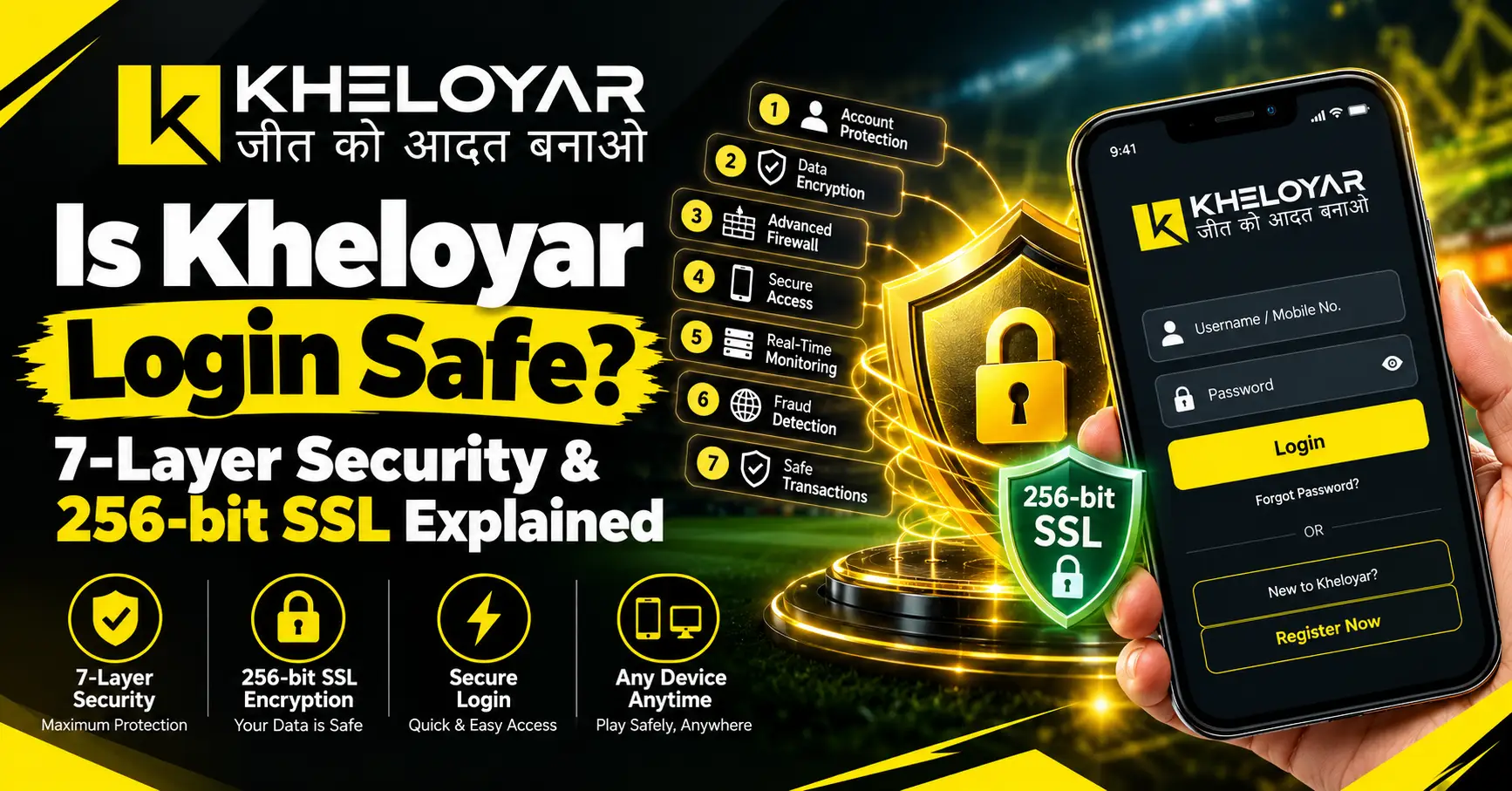
Before you type your password on any site, ask yourself one thing. Is this safe? Many people ask if login safe is really true. The truth is, a lock sign or a nice logo can’t prove it. So let’s go step by step.
In this blog, you will learn 7 simple checks, what 256-bit SSL means, and how to keep your password and OTP safe.
Is Kheloyar Login Safe?
So for the question is kheloyar login safe? It depends on three things: the site you open, the protection it uses, and how you handle your account. The name Kheloyar can appear on many web addresses, so check the exact address first.
A site isn’t safe just because it loads fast or shows a lock. Look at these points:
- Is the address the one you meant to open?
- Does it use HTTPS with no warning?
- Is there a privacy policy?
- Does it show who runs it and how to reach support?
- Is something missing? Then don’t share personal or payment details.
These checks don’t prove a site is good. They just help you catch warning signs early.
What Is 256-bit SSL?
SSL is the old name for the tool that protects data moving between your phone and a website. Most sites now use TLS, the newer version, but people still say SSL.
With HTTPS, your data is locked while it travels, so others can’t easily read it.
How does 256-bit work?
The 256 is the size of the secret key. Think of it as a big, strong lock. If someone grabs your data on the way, they can’t open it easily.
But a strong lock doesn’t make a site honest. Even fake sites use HTTPS. It protects the road, not the person at the other end. So don’t trust an advert just because it says “256-bit SSL.”
7 Layers of Login Security to Check
Use these as your own checklist. They don’t prove that has seven checked layers. Only real technical proof can do that.
1. Check the web address
Read the full address. Fake sites often add extra words or change one letter. Some reach you through messages from strangers. Check before you type anything.
2. Check HTTPS and the certificate
Tap the lock near the address bar and see if the certificate matches the site. A good certificate still doesn’t prove the business is genuine.
3. Use a strong password
Make it long and different for every account. Skip your name, birth date, and numbers like 123456. A password manager can help. Never give your password to anyone who says they are supported.
4. Use two-factor checks
Login two-factor security adds one more step after your password, like an app or a one-time code. Don’t guess that it’s there. Check your account settings. Never share your OTP, even with someone who says they want to help.
5. Keep account recovery safe
If you forget your password, use only the official recovery steps. Don’t tap reset links you didn’t ask for.
6. Protect your personal data
Read the privacy policy. To keep login personal data safe, don’t give ID papers, bank details, or payment info until you know why they are asked and who will get them.
7. Watch your device
Keep your phone updated and use a screen lock. Log out on shared devices. Check your account activity for anything strange.
How to Complete a Login Securely
A login secure login process starts before you type your password.
- Open the address you checked.
- Make sure HTTPS shows with no warning.
- Check the address once more.
- Type the password yourself.
- Do extra verification only if it is a real part of the kheloyaar login.
- Log out on shared devices.
Stop if the page sends you somewhere else, asks you to install a file, or wants your OTP in a private chat.
How to Check If Login SSL Is Secure
Login SSL certificate secure should mean more than a lock sign. The certificate must match the exact site you are visiting.
Tap the kheloyar site login information near the address bar and read the connection details. Remember these points:
- HTTPS protects data on the way.
- A certificate doesn’t prove the owner is honest.
- Encryption can’t stop phishing or weak passwords.
- Never skip a browser warning just to reach a login page.
Is Kheloyar Login Secure for Personal Data?
Nobody can say yes to is kheloyar login secure without real proof about the exact site, its owner, and its current practices. Read the privacy policy and see how your data is kept and shared.
Is login security enough for every user?
No. A strong lock can’t help someone who types a password on a fake page or tells an OTP to a stranger. Use a unique password, turn on extra verification if it is really there, and avoid unknown links.
These login security checks also help you decide if login safe in India is a real worry for you. Laws depend on your state and age, so good security alone doesn’t make a platform legal.
If Your Login Details Are at Risk
- Change your password using an address you checked yourself.
- Change it on other sites too if you used the same one.
- Call your bank if you see a payment you didn’t make.
- In India, report fraud at cybercrime.gov.in or call 1930.
Never pay anyone who promises to get your account back for an OTP or a fee.
Safe Login Checklist Before You Sign In
- The address is correct.
- HTTPS shows no warning.
- The privacy policy is clear.
- Your password is strong and unique.
- Extra verification is on, if the site offers it.
- Nobody is asking for your password or OTP.
You can look at the khelo yaar login page, and know if the kheloyar login safe , and the login address only after you confirm that each link belongs to the site you want. Small spelling changes don’t mean the same owner.
In the same way, check the kheloyar login safe and address yourself. Don’t trust a link just because it has a familiar name.
Related Post:
- Kheloyar Login Link – Official & Verified Access Only
- Kheloyar App Download Link – Official & Verified APK Only
- Kheloyar Registration with Mobile Number: OTP Verification Guide
Conclusion
So,to conclude is login safe? It depends on the exact site and the proof you can find. While HTTPS, good passwords, and two-factor authentication reduce certain risks, no one is sure about whether or not the website is safe to use. Always check the URL and the privacy statement and ensure that you do not reveal your password or OTP when making a kheloyar login. Use online services only when you understand the risks and know that access is legal where you live.
FAQs
Can I use Kheloyar and login safe?
You never know for sure if kheloyar login safe unless you check into the exact site and who runs it.
What is 256bit SSL?
The secret key length is 256 bits. It’s not a sign of a legitimate site.
Does HTTPS make a login fully safe?
No, it cannot stop fake pages or OTP scams but only protect the connection and
Does Kheloyar have two-factor security?
Check your account settings, because you should not guess that it is there.
How to secure my password?
Keep it long, use something different for each site, and never tell anyone.
Once I am logged in is my data secure?
It depends on the site’s privacy policy, so check before giving out information.
If my account is hacked, what can I do about it?
Change your password immediately, contact your checked support and report the loss of money by calling 1930.
